> For the complete documentation index, see [llms.txt](https://linkjob-ai.gitbook.io/linkjob.ai/llms.txt). Markdown versions of documentation pages are available by appending `.md` to page URLs; this page is available as [Markdown](https://linkjob-ai.gitbook.io/linkjob.ai/readme.md).
# AI Interview Assistant: Real-Time, Invisible, Coding Help
The best AI tool for real-time interviews and coding tests—100% invisible. Get stealthy, live help for job and technical interviews.
Our AI interview assistant is tested daily to remain undetectable on every interview app.
Your Undetectable AI Interview Assistant Real-time AI Help for Every Interview
Provide answers to interview questions, analyze your coding test screenshots, and give you stealthy AI assistance during live interviews.
Unlock Your Stealth AI Interview Copilot
#### 100% Invisible and Undetctable
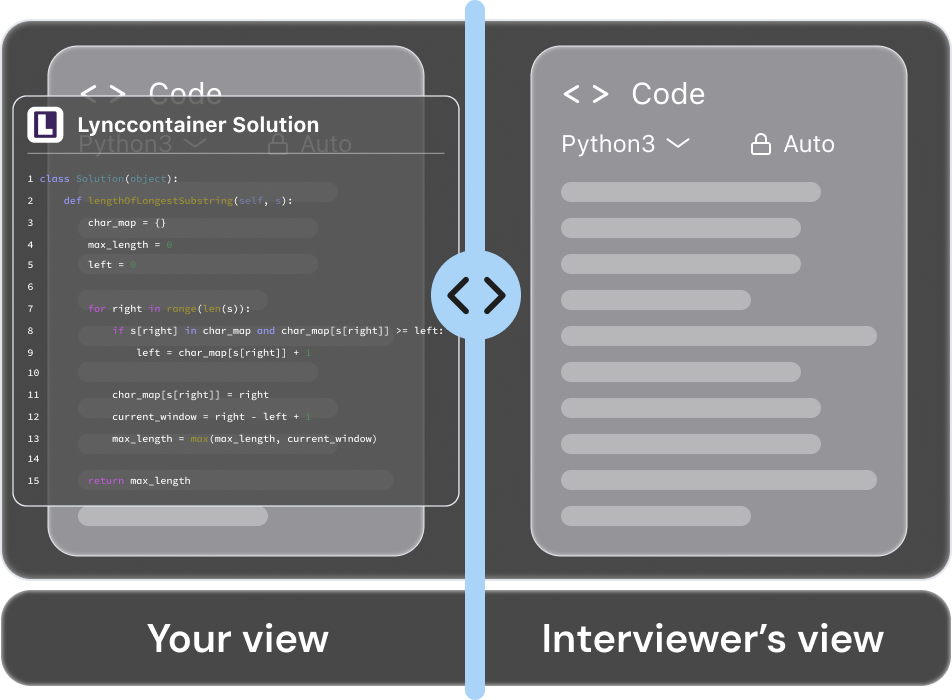
AI Interview Copilot operates in complete stealth across all platforms, running quietly in the background even during screen sharing. With no visible interface or pop-ups, you can leverage real-time AI support without worrying about eye-tracking or proctoring detection. Stay focused and confident while the interview remains completely natural.
#### Answer Clearly Under Pressure
When a question catches you off guard, [AI Interview Assistant](https://www.linkjob.ai/) is there to help. It understands context in real-time, delivering structured answers with low latency. We ensure you have the most timely assistance when it matters most.
#### Answers That Sound Like You
AI Interview Helper generates responses from your resume and job details, ensuring you sound specific, credible, and senior rather than generic.

#### Works on Any Platform
The AI Interview Tool integrates with 99% of platforms to provide real-time AI support, wherever your interview takes place.
#### Prepare for Any Interview Type
Whether it's technical coding, behavioral, or system design interviews, our AI Interview Assistant got you covered with specialized prompts for each scenario.
General interview Coding interview
Behavioral interview Mock interview
The Best AI Interview Tool for Technical Interviews
Get real-time AI help during coding interviews. Solve algorithms, optimize code, and explain your approach with invisible support.
#### Nowhere on Your Dock
The AI Interview Assistant stays active but never shows an icon, so no one can tell it's running.
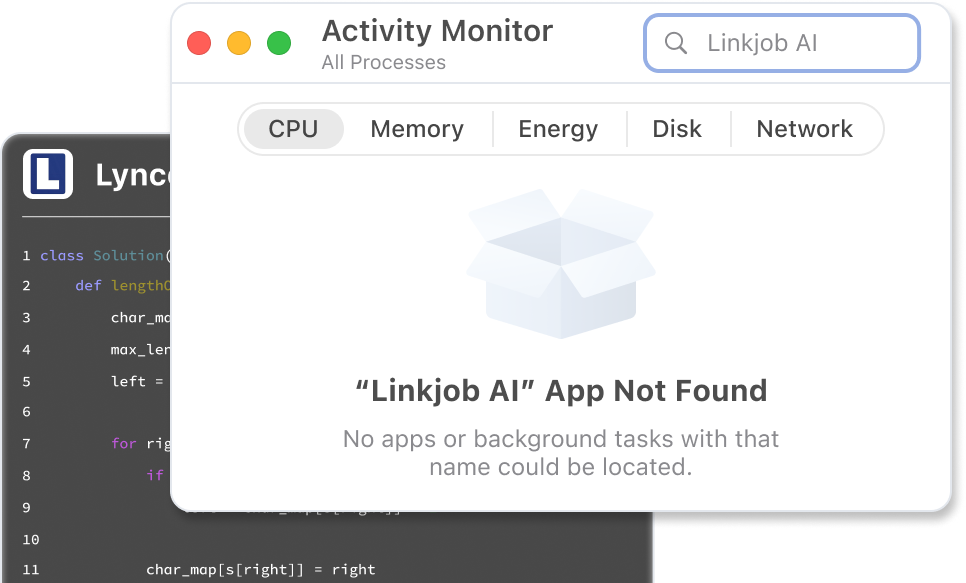
#### Invisible in Activity Monitor
AI Interview Copilot runs silently in the background without leaving any trace in your Activity Monitor.
#### Screen-Recording Proof
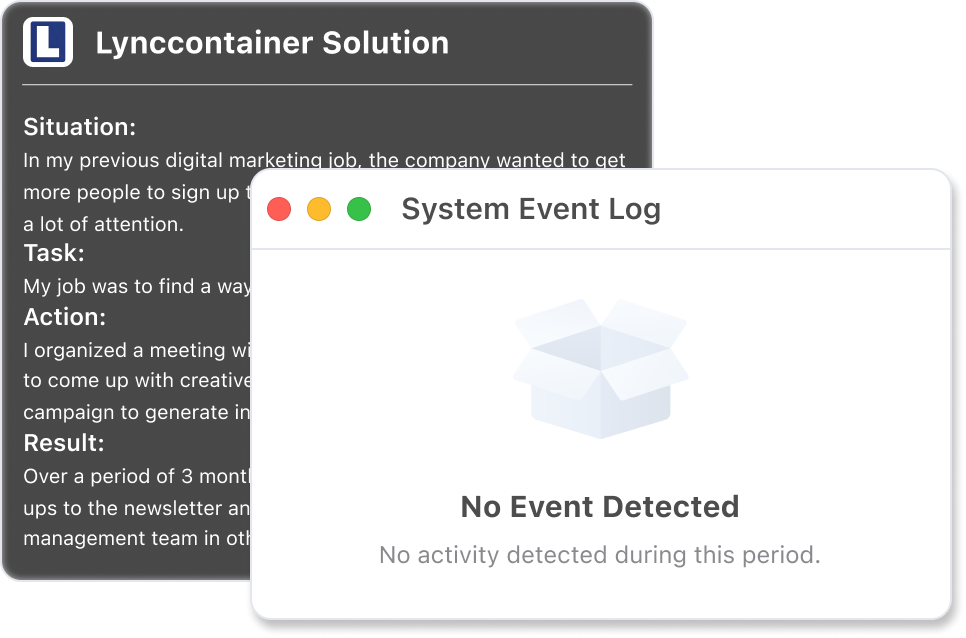
Even if the session is recorded, AI Interview Helper leaves no visible windows or overlays.
#### Completely Click-Through
Even when your cursor hovers or clicks on Linkjob AI, your system and apps won't detect it. No focus shifts. No flags. No traces.
---
# Agent Instructions
This documentation is published with GitBook. GitBook is the documentation platform designed so that both humans and AI agents can read, navigate, and reason over technical content effectively. Learn more at gitbook.com.
## Querying This Documentation
If you need additional information that is not directly available in this page, you can query the documentation by asking a question.
Perform an HTTP GET request on the following URL with the `ask` and `goal` query parameters:
```
GET https://linkjob-ai.gitbook.io/linkjob.ai/readme.md?ask=&goal=
```
`ask` is the immediate question: it should be specific, self-contained, and written in natural language.
`goal` is what the user is ultimately trying to achieve, the reason they need the answer. Sharing it helps GitBook give you a better, more relevant answer. A goal is most helpful when it describes the outcome the user wants rather than restating the question. For example, with `ask=how do I create an API token`, a goal like `automate deployments from our CI pipeline` lets GitBook tailor the answer to that use case.
The response will contain a direct answer to the question and relevant excerpts and sources from the documentation.
Use this mechanism when the answer is not explicitly present in the current page, you need clarification or additional context, or you want to retrieve related documentation sections.


 ---
# Agent Instructions
This documentation is published with GitBook. GitBook is the documentation platform designed so that both humans and AI agents can read, navigate, and reason over technical content effectively. Learn more at gitbook.com.
## Querying This Documentation
If you need additional information that is not directly available in this page, you can query the documentation by asking a question.
Perform an HTTP GET request on the following URL with the `ask` and `goal` query parameters:
```
GET https://linkjob-ai.gitbook.io/linkjob.ai/readme.md?ask=